Please follow these steps:
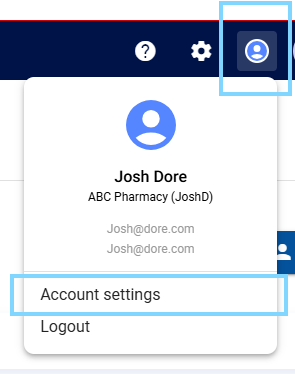
- Log in to the web version and select the icon in the top right-hand corner of Medadvisor for Pharmacy (web version only) to access Account settings
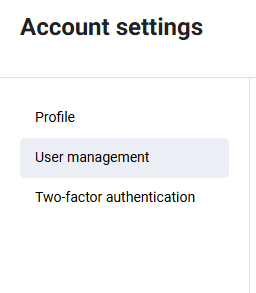
- Select User management
- Select Edit next to the user you would like to reset two factor authentication for

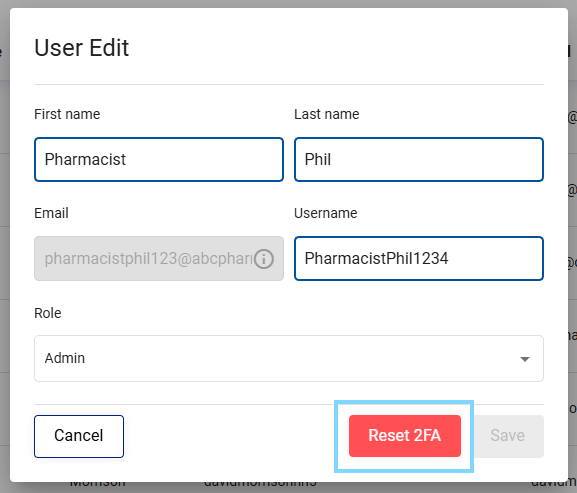
- Select Reset 2FA
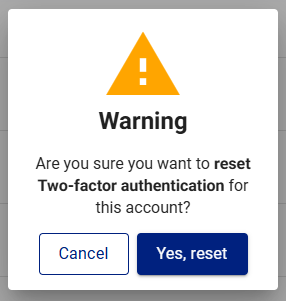
- Select Yes, reset
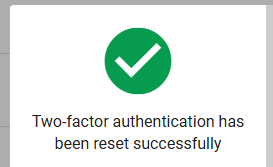
- You will receive a confirmation that the users two factor authentication has been reset