
- Selecting the help icon (?) in the top right hand corner of Medadvisor for Pharmacy will allow you to click What's new
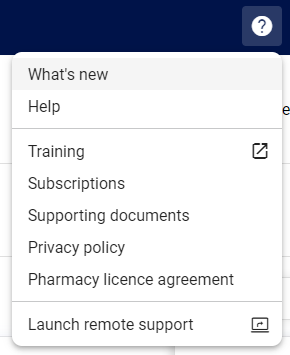
- This will launch a pop-up showing you the latest from Medadvisor
Please note: This pop-up will also launch every time you login or access the software.