
To access your online booking URL and QR Code, please follow these steps:
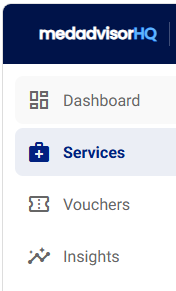
- In the Medadvisor HQ menu, select Services
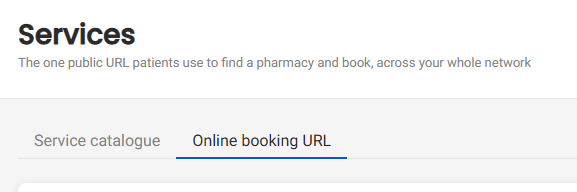
- Select Online booking URL from the headings
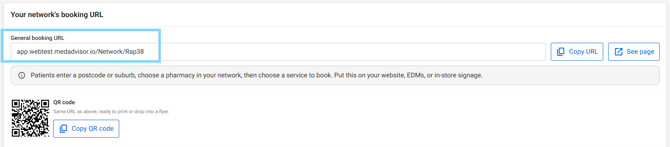
- Under Your network's booking URL, you will see the General booking URL
- Select Copy URL to copy and paste the pharmacy network general booking URL to your website and other social media channels.
Please note: Select See page to visit the website
- You will also see your pharmacy networks unique QR code.
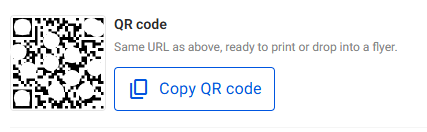
- Select Copy QR code to paste this code and add to websites, documentation or promotional materials e.g flyers