Please follow these steps:
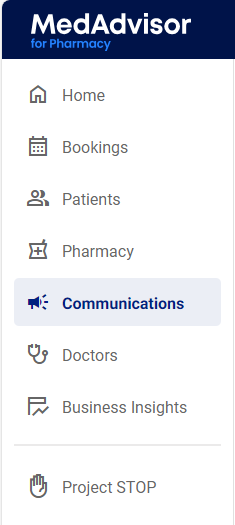
- In the menu, select Communications
- Select the SMS messaging tab
.png?width=367&height=82&name=image%20(72).png)
- Select View SMS group

- Select Create new SMS group

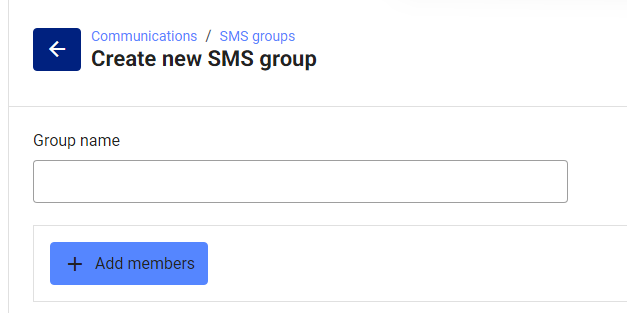
- Enter the name of the group and select + Add members
- Enter the patient/s name and/or date joined and select Search
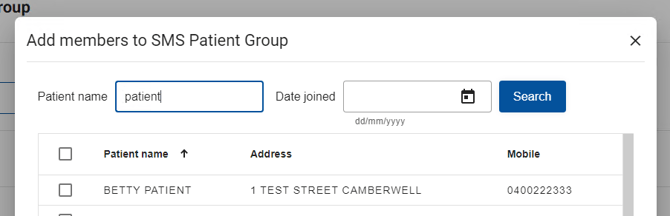
- Select the patient/s you would like to add to the group and select + Add

Please note: Select the checkbox next to each patients name OR select the checkbox at the top to select all patients
-
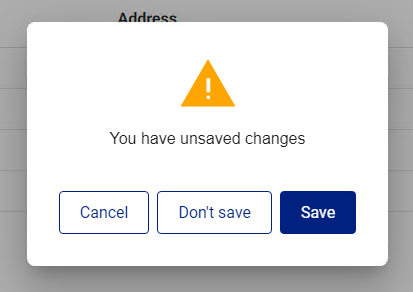
Those patients will now be added to the group. Select Save to save changes.