
Please note: Patients can opt-out of SMS adherence campaigns by selecting the Unsubscribe link in the message.
Please follow these steps:
- In Medadvisor for Pharmacy, select Health Services Hub
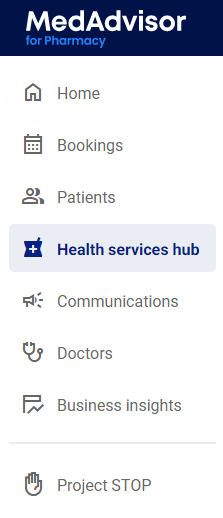
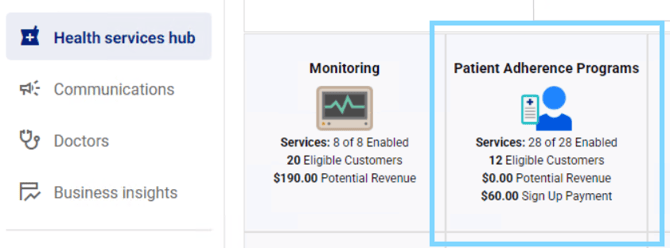
- Select the Patient Adherence Program tile
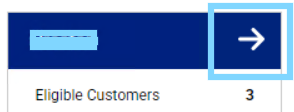
- Select the arrow in the top right corner of the program tile
- Scroll down to the Active Patients List and select the plus +

-
Select Opt Out next to the SMS patient

- The patients status will be updated to "Opted Out and they will no longer recieve any SMS adherence program messages from that program.
Please note: Repeat the above steps for each Patient Adherence Program