
To switch between reporting groups, please follow these steps:
Please note: Not all head office accounts have multiple reporting groups. Please contact our support team or your key account manager to arrange reporting groups.
-
Log in to Medadvisor HQ
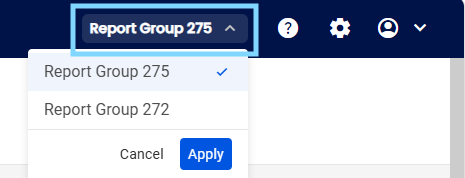
- In the top right menu, select the drop down to view your various report groups
- Select the group you would like to access and select Apply
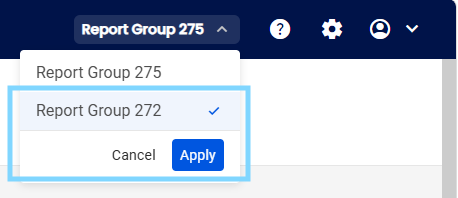
You will now see the selected reporting groups information in your dashboard, services, insights and more. You may switch between groups at anytime.