
Please follow these steps:
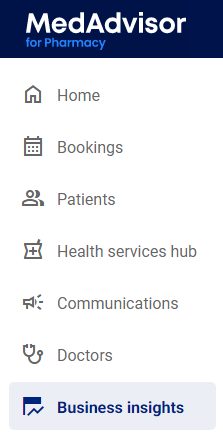
- In the menu, select Business Insights
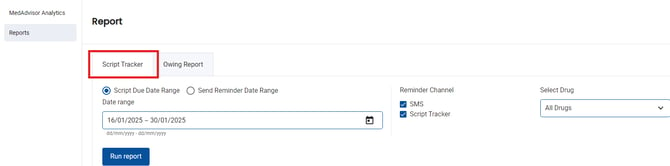
- Select Reports and the Script Tracker tab
-
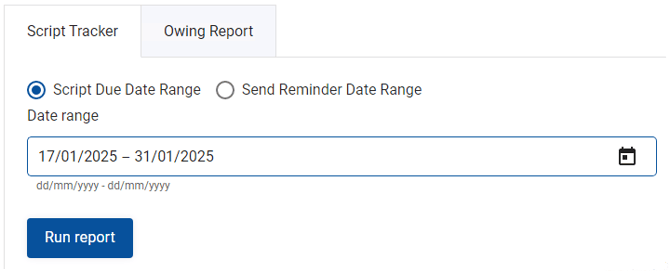
Select the date range of the report you would like to generate
- Select Script Tracker in the Reminder Channel
-1.png?width=178&height=107&name=image%20(40)-1.png)
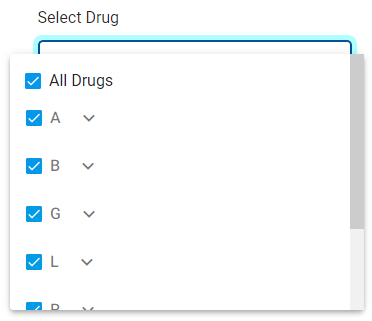
- All Drugs are preselected for the report. Select the Select Drug drop down to filter the report to specific drug
- Select Run report
.png?width=162&height=66&name=image%20(41).png)