
When you first access Medadvisor HQ, you will required to set-up two factor authentication.
Please follow these steps:
Please follow these steps:
- Visit https://hq.medadvisor.com.au/ in a web browser
- Select Log in

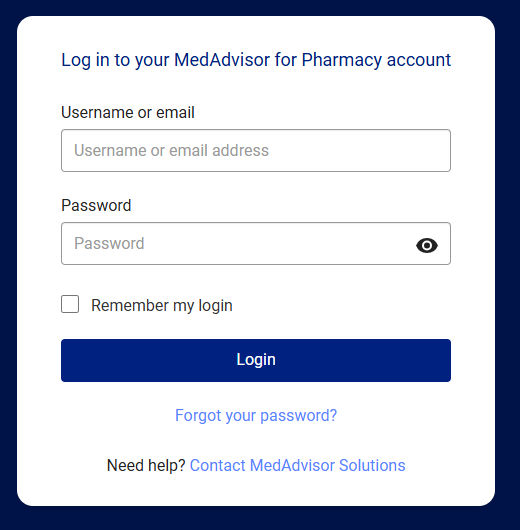
- Enter your username or email and password and select Login
- Your first login will show the Setup authenticator app page. Download a two-factor authenticator app e.g Microsoft Authenticator on your mobile device and scan the QR code
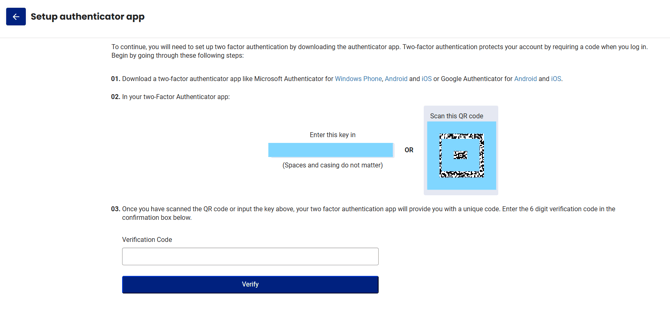
- Enter the verification code and select Verify
You will now have access to MedadvisorHQ and may be required to re-authenticate when logging in, including when accessing via a new device.