
You can add users with the following roles:
- Admin - has access to add and remove users
- Standard
Please note: To add users you must have access to the admin role.
Please follow these steps:
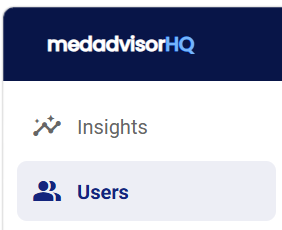
- Select Users in the menu
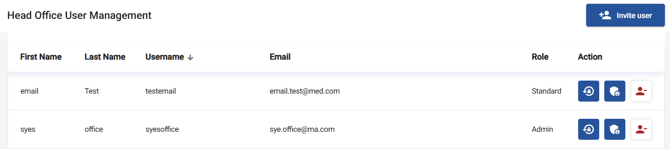
- You will see your existing users that have access to MedadvisorHQ including the name, username and role
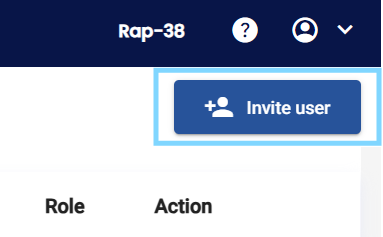
- Select + Invite user
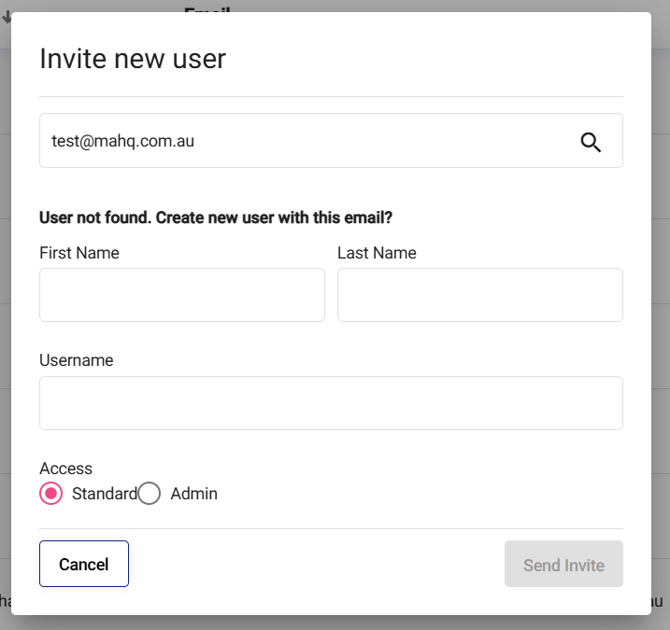
- Enter the email address of the person you would like to add and select Search in the pop-up
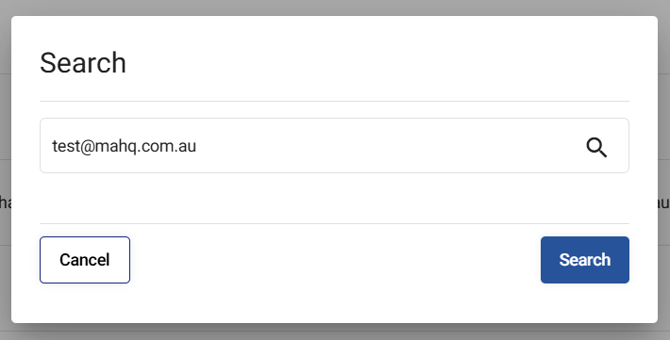
Please note: This will search for an existing user on the network who may be using MedadvisorHQ
- If no email is matched with an existing account, you will need to create a new user by entering their First Name, Last Name, Username and select their role e.g Admin or Standard
-
- Select the Role from the following options:
- Admin - can send invites and remove users from MedadvisorHQ
- Standard - can view insights and perform head office functions e.g head office services
Please note: Admin access will allow this user to add/edit accounts.
-
- Select Send Invite

The new user will receive an email, where they can verify their account, set a password and login.