
Please follow these steps:
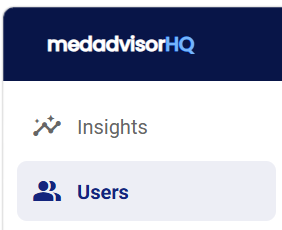
- In the menu, select Users
- You will see a list of users who have access under Head Office User Management. Under the Action column, select the Delete icon
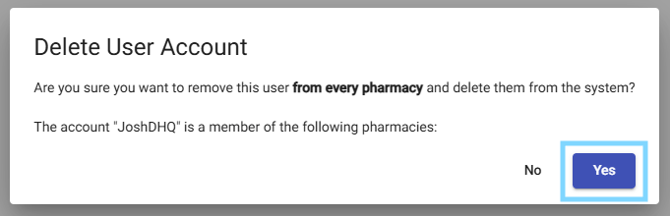
The user will now be removed from access to your version of MedadvisorHQ